If you run a small salon — a single chair, a two-person studio, or a three-station shop — choosing a reservation system can feel like it was designed for someone else. Most comparison articles are written for busy multi-location businesses with front-desk staff and marketing budgets. This guide isn’t. It’s for the owner who cuts hair or does nails all day and handles the bookings, the reminders, and the no-shows personally.
A salon reservation system is the software that lets clients book appointments online, keeps your calendar organized, and (usually) handles payments and reminders. The right one saves you hours of phone tag every week. The wrong one costs you money on features you’ll never use — or worse, frustrates the clients you already have. Below is what actually matters when you’re small, what to look for, what it really costs, and how to move your existing client list over without losing anyone.
What a small salon actually needs from a reservation system
When you have one to three chairs, your priorities are different from a big salon’s. You don’t need advanced staff-permission controls, commission tracking across ten employees, or multi-location reporting. Paying for those features means paying for complexity you’ll spend time working around. What you need is narrower and more practical:
- A client-facing booking page that works on a phone. Most of your clients will book from their phone, often late at night. If the booking page is clunky on mobile, you’ll lose bookings you never even knew about.
- Automated reminders. No-shows hurt a small business far more than a large one — one empty chair is a bigger share of your day. Automatic text and email reminders are the single highest-value feature for a small salon.
- Simple payment handling. The ability to take a deposit or keep a card on file to protect against no-shows, without a complicated point-of-sale setup.
- Fast setup you can do yourself. You don’t have an IT person. If getting started takes a week of configuration, that’s a week you’re not earning.
Everything beyond this is a bonus, not a requirement. Keep that in mind when a sales page dazzles you with a feature list — most of it is aimed at businesses much larger than yours.
What to look for in the client-facing booking page
Your booking page is the part of the system your clients actually see, so it deserves more attention than any back-office feature. A few things separate a booking page that converts from one that quietly loses you appointments.
Mobile-first design
Open any system’s demo booking page on your own phone before committing. Can a client pick a service, choose a time, and confirm in under a minute without pinching and zooming? If not, keep looking. The booking flow being smooth on mobile matters more than how the desktop dashboard looks to you.
Your branding, not the software’s
A booking page that carries your salon’s name, colors, and photos builds trust. One that looks like a generic template — or worse, prominently advertises the software company — makes you look less established than you are. Check how much of the page you can customize on the entry-level plan, not just the expensive one.
Automatic confirmations and reminders
When a client books, they should immediately get a confirmation, and then a reminder before the appointment. Confirm two things: that reminders are included in the plan you’re considering (some systems limit the number of free text reminders), and whether text reminders in particular cost extra, since SMS credits are a common hidden charge.
What it really costs a small salon
The monthly plan price is only part of what you’ll pay. For a small business, the gap between the advertised price and the real monthly cost is where budgets get blown. Three things to watch:
- Annual vs. monthly billing. The lowest advertised price is often the annual rate. Paying month-to-month usually costs more. If you’re new and not ready to commit to a year, budget for the higher monthly figure.
- Payment processing fees. Almost every system charges a percentage on card payments, typically somewhere between roughly 2.6% and 3.5% per transaction. On real revenue this often dwarfs the subscription fee, so it deserves as much attention as the monthly price.
- Add-ons. Extra text-message credits, branded apps, advanced marketing tools, and forms are frequently sold separately. The base plan gets you in the door; the useful extras cost more.
To make this concrete, here’s how three widely used systems price their entry level as of July 2026. These are examples of the pricing models a small salon runs into — always confirm current numbers on the provider’s own site before deciding, since pricing changes often.
| System | Entry price (US) | Card processing | Good fit for |
|---|---|---|---|
| GlossGenius | From $24/mo billed annually (about $28 month-to-month); supports up to 2 users | Flat 2.6% | Solo owners who want a polished, design-led booking page |
| Square Appointments | Free plan ($0/mo per location, includes booking); Plus is $49/mo per location for staff management and advanced features | 2.6% + 15¢ in person on the free plan | Solo owners already using Square for payments |
| Booksy | From $29.99/mo for the first user, +$20/mo per extra team member | 2.69% + 30¢ per transaction | Owners who want exposure through Booksy’s client-facing marketplace |
Notice the pattern: the entry price tells you very little on its own. Square starts free but charges processing on every payment; GlossGenius bundles a low flat processing rate into a paid subscription; Booksy’s cost scales the moment you bring on a second person. The “cheapest” option depends entirely on how you take payments and whether you work alone. For a full side-by-side of these and other platforms, see our complete salon and spa software comparison.
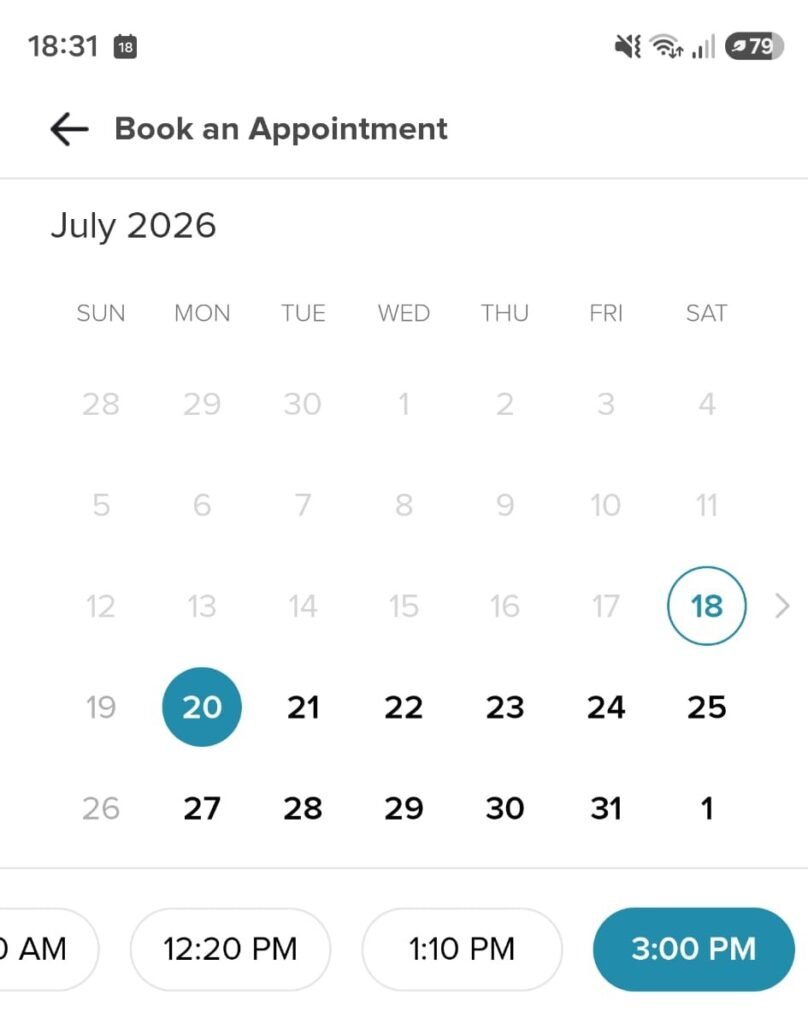
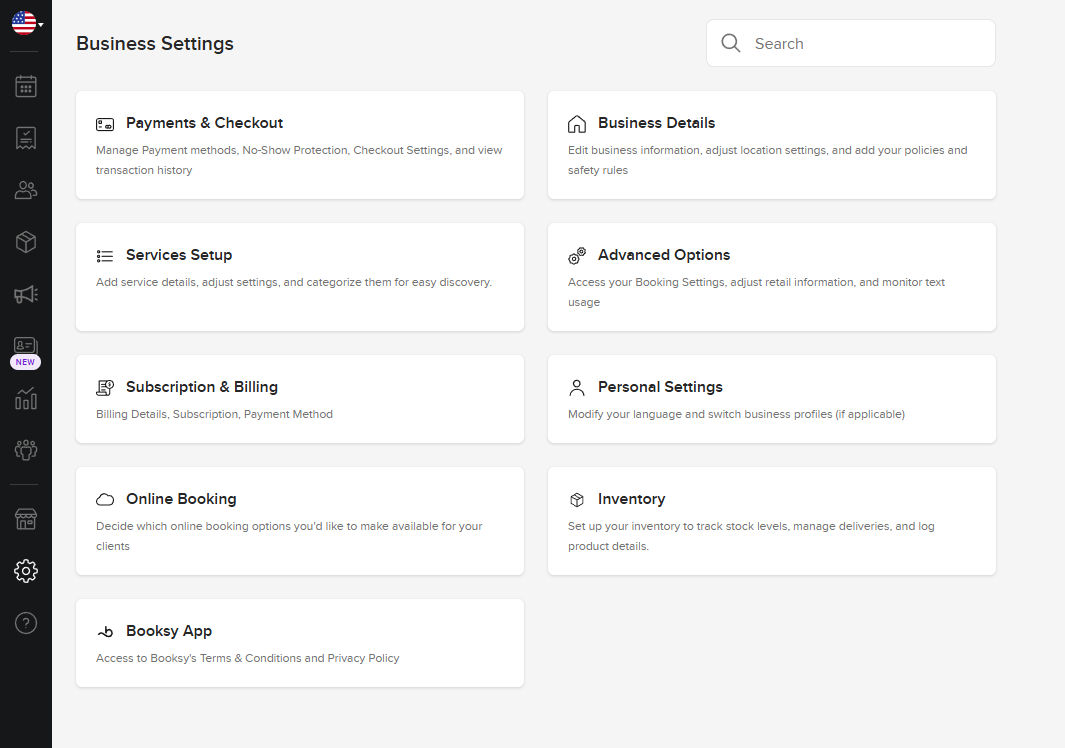
From our own testing: When we set up a trial Booksy Biz account, the configuration side was genuinely straightforward — adding services, hours, and a booking page took minutes, with no manual or support call needed. Separately, as a regular client booking my own hair appointments through Booksy, the customer experience is fast and polished: the booking flow is quick, it looks professional, and you get an email reminder before your appointment. One thing to be aware of if brand identity matters to you: bookings made through Booksy happen inside Booksy’s own app and marketplace, so your business appears under the Booksy brand rather than as a fully standalone, white-labeled page.
Moving your existing clients over: a migration checklist
If you’re switching from paper, a spreadsheet, or another app, the part that keeps most owners up at night is losing their client list or their booking history. It’s a legitimate worry, but a manageable one. Work through this checklist and the transition stays smooth:
- Export what you have first. Before touching a new system, get your current client list into a spreadsheet (name, phone, email at minimum). If you’re on paper, this is the moment to digitize it. This file is your safety net.
- Ask whether the new system imports data for you. Several providers offer free data-transfer help, moving your clients and appointment history over so you don’t have to type it all in. Ask before you sign up — it’s often not advertised prominently.
- Move in a quiet week. Don’t switch systems the week before your busiest season. Pick a slower stretch so you have breathing room to catch anything that didn’t transfer cleanly.
- Run both systems in parallel briefly. Keep your old calendar accessible (even read-only) for a few weeks so you can cross-check that no upcoming appointments were dropped.
- Tell your clients once, clearly. Send one friendly message with the new booking link. Returning clients booking through the new page is also the fastest way to confirm it works.
- Update your links everywhere. Your Instagram bio, Google Business Profile, and any “Book Now” buttons need the new URL. An old link pointing to a dead booking page is a silently lost appointment.
The most common migration mistake isn’t technical — it’s rushing. Give yourself a two-to-three-week window rather than flipping a switch overnight, and the whole thing becomes far less stressful.
Common pitfalls to avoid
- Overbuying. Choosing a plan sized for a growing team when you’re a solo operator. Start with the tier that fits you now; you can upgrade when you actually hire.
- Ignoring processing fees. Fixating on the monthly price while overlooking the card-processing percentage, which is usually the larger cost once you’re taking real payments.
- Skipping the mobile test. Judging a system by its desktop dashboard instead of the phone booking experience your clients will actually use.
- No no-show protection. Not turning on deposits or card-on-file for a small salon, where a single missed appointment is a meaningful chunk of the day’s income.
Frequently asked questions
Do I need a reservation system if I only have a few clients a day?
Even at low volume, the time saved on phone tag and the reduction in no-shows from automatic reminders usually pays for itself quickly. The bigger the share of your day a single appointment represents, the more a missed one hurts — which is exactly the case for a small salon.
Is free salon software good enough for a one-person business?
For a true solo operator, a free tier can be a reasonable starting point, especially if you already use the same company for payments. Just read what’s excluded — free plans often limit reminders, reporting, or marketing features — and factor in the card-processing fee, which you’ll pay regardless of whether the subscription is free.
How long does it take to set up a salon reservation system?
For a small salon, most modern systems can be up and running in a day or two: adding your services, setting your hours, and customizing the booking page. Migrating an existing client list adds time, but many providers offer to transfer your data for free, which speeds things up considerably.
Will I lose my client history if I switch systems?
Not if you export your existing data first and confirm the new provider can import it. Keep your old system accessible for a few weeks as a backup so you can verify everything transferred before fully cutting over.
The bottom line
For a small salon, the best reservation system isn’t the one with the longest feature list — it’s the one with a booking page your clients find effortless, reminders that cut your no-shows, and a total cost (subscription plus processing) that makes sense at your size. Test the mobile booking flow, read the fine print on fees, and don’t pay for a big-salon plan you won’t grow into for years. Once you’ve narrowed it down, our full comparison of salon and spa software lays out how the leading options stack up side by side.